Manage your uptime monitors from Claude with the OpenUptime MCP server用 OpenUptime MCP 服务器,在 Claude 里管理你的监控
Connect Claude, Cursor or Codex to OpenUptime in one command, choose exactly what the agent may reach, and manage monitors, incidents and status pages in plain language.一条命令把 Claude、Cursor 或 Codex 连接到 OpenUptime,自己决定 Agent 能访问什么,然后用自然语言管理监控、事件和状态页。
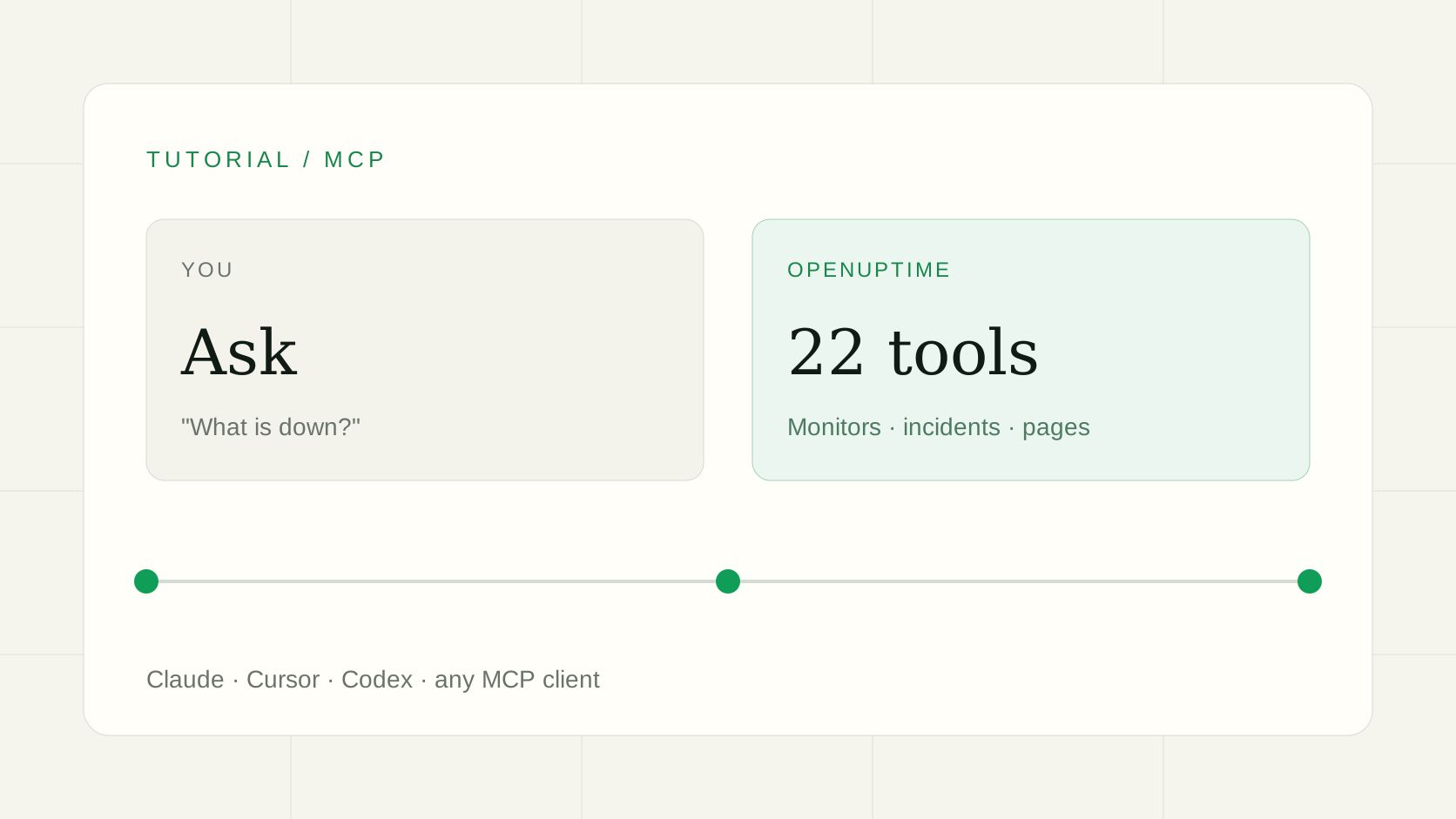
Most of the time you spend in a monitoring tool is small, repetitive housekeeping: add this URL, pause that monitor for the deploy, what is red right now, post an update to the incident. It is exactly the kind of work you can hand to an assistant, as long as it can only do what you allow.在监控工具里花掉的时间,大多是琐碎又重复的整理工作:加一个地址、部署期间暂停某个监控、现在哪些是红的、给事件发一条更新。这正是可以交给助手的活儿,前提是它只能做你允许的事。
OpenUptime ships an MCP (Model Context Protocol) server for that. Connect Claude, Cursor, Codex or any other MCP client once, and you can manage monitors, incidents and status pages by describing what you want.OpenUptime 为此提供了 MCP(Model Context Protocol)服务器。把 Claude、Cursor、Codex 或其他 MCP 客户端连接一次,你就可以用描述的方式管理监控、事件和状态页。
Connect Claude Code in one command一条命令连接 Claude Code
claude mcp add --transport http openuptime https://openuptime.app/api/mcpThen run /mcp inside Claude Code, pick openuptime and choose Authenticate. Your browser opens once for sign-in. In Claude Desktop and claude.ai, add a custom connector with the same URL under Settings → Connectors. Setup for Codex, Cursor, VS Code and Gemini CLI is on the MCP docs page.然后在 Claude Code 里运行 /mcp,选择 openuptime,点击 Authenticate。浏览器会打开一次用于登录。在 Claude Desktop 和 claude.ai 中,到设置 → 连接器里用同一个地址添加自定义连接器。Codex、Cursor、VS Code 和 Gemini CLI 的配置见 MCP 文档。
Choose what the agent may reach决定 AI 能访问什么
On the consent screen you pick the scope: all workspaces, selected workspaces, or selected projects only. The agent can read with mcp:read and change things with mcp:write. If your access to a workspace goes away, so does the agent's, and you can revoke it at any time under API keys → Authorized agents.在授权页面选择范围:全部工作区、选定的工作区,或仅选定的项目。Agent 通过 mcp:read 读取,通过 mcp:write 修改。你失去某个工作区的访问权限时,Agent 也随之失去;你可以随时在 API 密钥 → 已授权的 Agent 中撤销。
Things to ask for可以这样说
There are 22 tools behind the connection, covering workspaces, monitors, incidents, status pages, alert channels and maintenance windows. You do not call them by name; you describe the goal.连接背后有 22 个工具,覆盖工作区、监控项、事件、状态页、告警渠道和维护窗口。你不需要记工具名,直接描述目标即可。
- "What is down right now?" The agent lists your monitors and open incidents and summarizes them."现在有什么挂了?"Agent 会列出监控项和未结束的事件并做总结。
- "Add an HTTP monitor for https://example.com/health, every minute, and send alerts to the Slack channel." It creates the monitor and attaches the channel."给 https://example.com/health 加一个每分钟一次的 HTTP 监控,告警发到 Slack 渠道。"它会创建监控并关联渠道。
- "Pause the checkout monitor until I say otherwise." It pauses the monitor, and resumes it when you ask."先把 checkout 监控暂停,我说恢复再恢复。"它会暂停监控,并在你要求时恢复。
- "Check the API from another region." It runs a one-off request from that region and reports the result without recording it."从另一个区域检查一下这个 API。"它会从该区域发出一次性请求,返回结果但不记录。
- "Post an update to the open incident: the fix is deployed, we are watching." It adds the update to the timeline."给未结束的事件发一条更新:修复已部署,正在观察。"它会把更新加到时间线上。
Keep a person in the loop for destructive steps破坏性操作要留给人确认
Read-only tools are marked as such, and the one that deletes a monitor and its history is marked destructive, so MCP clients can ask you before running it. Because every tool calls the same REST API with the caller's own credentials, roles and project limits apply unchanged: an agent cannot do anything you could not do yourself.只读工具会被标记为只读,删除监控及其历史的工具则被标记为破坏性操作,MCP 客户端可以在执行前向你确认。由于每个工具都以调用者自己的凭证调用同一套 REST API,角色和项目限制照常生效:Agent 做不了你自己做不了的事。
Prefer scripts to conversation? The same operations are in the REST API. To see what else is monitored for you, read how to monitor cron jobs and SSL certificate expiry.更喜欢脚本而不是对话?同样的操作都在 REST API 里。想了解还能监控什么,可以读如何监控 cron 任务和SSL 证书到期。
Common questions常见问题
- Can the agent see or change everything in my account?AI 能看到并修改我账号里的一切吗?
- Only what you allow on the consent screen: all workspaces, selected workspaces or selected projects. Access is checked on every call, and you can revoke an agent under API keys, Authorized agents.只能访问你在授权页面里允许的范围:全部工作区、选定的工作区或选定的项目。每次调用都会实时校验权限,你也可以随时在「API 密钥 → 已授权的 Agent」中撤销。
- Does the MCP server have its own limits?MCP 服务器有单独的限额吗?
- It calls the same API as the app, so your plan's limits apply exactly as they do when you click in the dashboard.它调用的是与应用相同的 API,因此套餐限额与你在控制台里点击操作时完全一样。
- Does it work with self-hosted OpenUptime?自托管的 OpenUptime 也能用吗?
- Yes. Use the MCP URL of your own domain instead of openuptime.app; the tools are the same.可以。把 openuptime.app 换成你自己域名下的 MCP 地址即可,工具是一样的。